Omni

Getting started with Omni

Thinking about joining Omni as a remote independent contractor? Here’s everything you need to know before you begin: from the tech requirements to learning how to navigate the process like a pro.

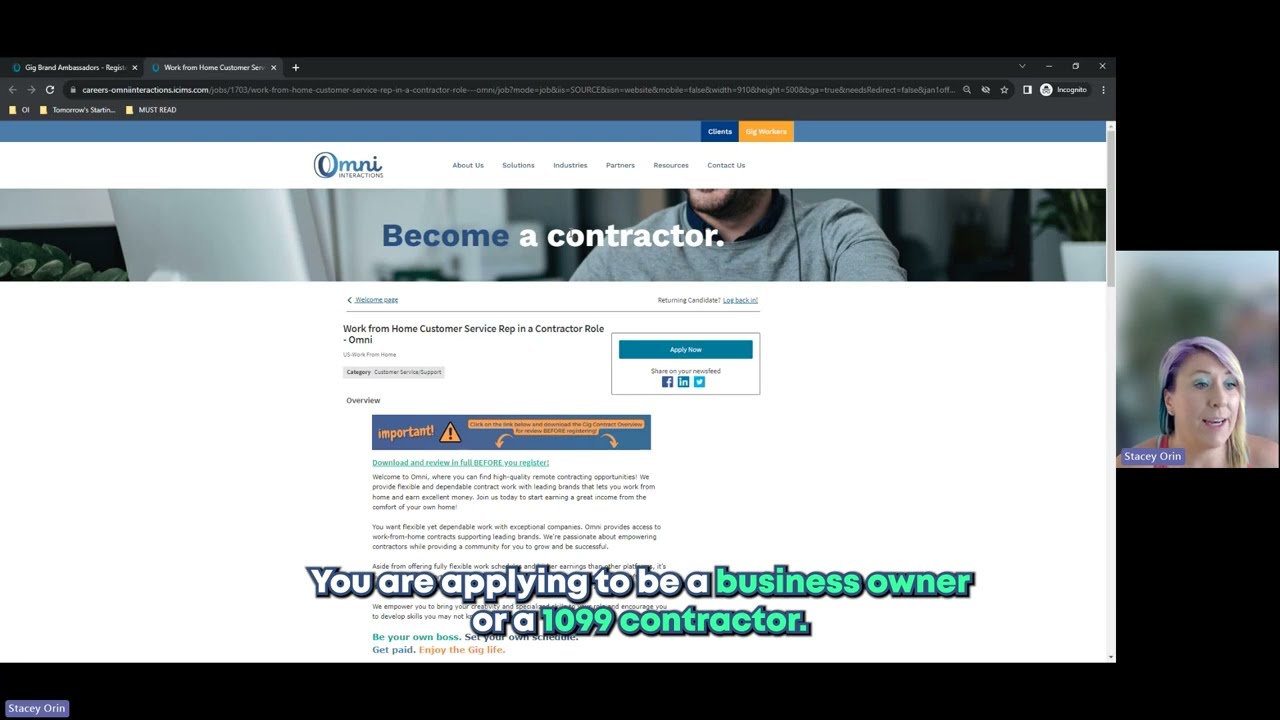
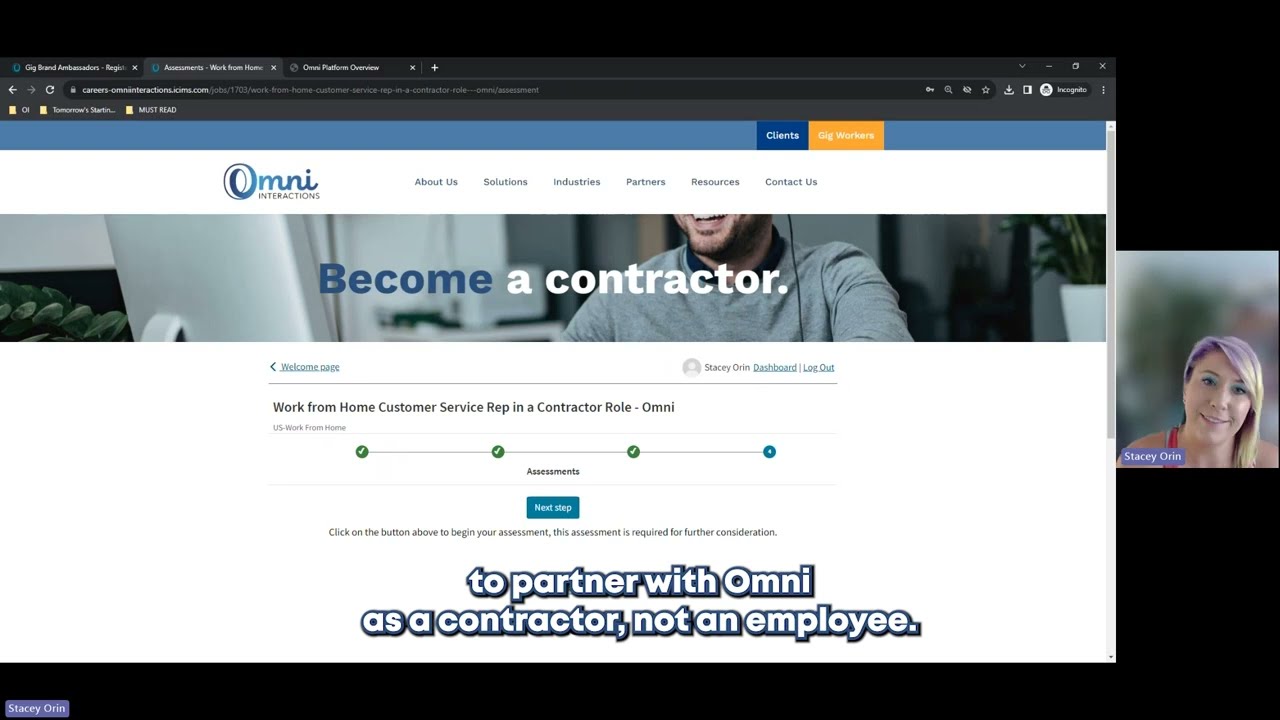
5 Videos

What you need to work from home

To deliver professional, high-quality customer support from your home office, you’ll need the following setup:

Computer High Speed Internet Headset
Windows 10 or Windows 11
(Genuine Licensed Copy only)
Hardwired connection only (no Wi-Fi)
Minimum 10.0 Mbps download
5.0 Mbps upload
Hardwired, USB headset with phone-quality audio
Bluetooth or wireless headsets won’t work

⚠️ Note: Equipment requirements may vary by contract. Always check the details before selecting a gig.

Learn the Process & Set Yourself Apart

Want to stand out and move through the process with confidence? Our YouTube playlists are packed with:

 Step-by-step guides
✅ Video walkthroughs
✅ Common mistakes to avoid
✅ Tips to succeed as a work-from-home contractor

Whether you’re new to independent contractor work or just need a refresher, we’ve got you covered.


Not Ready Yet?

No problem. Join our waitlist and we’ll let you know when new remote contracts open up that match your skills and interests.